Sandbox
Why does this project exist?
A while ago I came across the distrobox tool. I found it really interesting, but I wanted ephemeral containers by default.
After investigating how the tool worked, I realised that in the end the idea was to build a big Docker command and execute it. So I ended up doing just that.
Sandbox is a Bash CLI that spins up ephemeral containers by default: when you close the session, the container deletes itself. No trace left behind.
You can spin up containers running Debian, Arch Linux, Fedora, Ubuntu, Alpine…
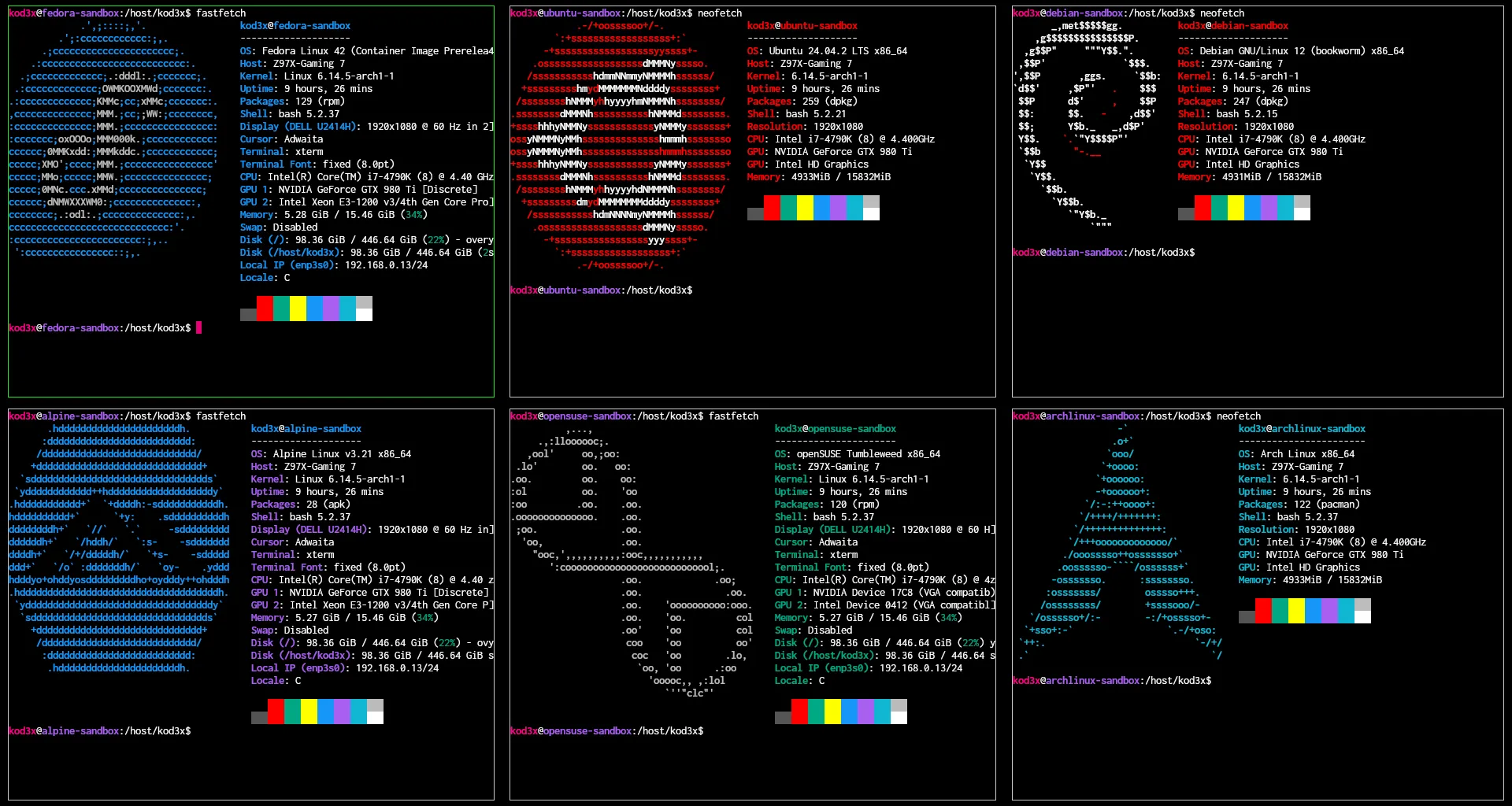
What can it do?
- sandbox fedora: spins up an ephemeral Fedora container with the current directory mounted at
/host/sandbox. When you exit, the container is deleted - sandbox fedora —isolate: spins up an ephemeral Fedora container in isolated mode, without mounting anything from the host. Perfect for experimenting without fear of breaking anything
- sandbox fedora —name mycontainer: spins up a persistent Fedora container named
mycontainer - sandbox —attach mycontainer: reconnects to the
mycontainercontainer you spun up earlier - sandbox fedora —home: spins up an ephemeral Fedora container with your home directory mounted at
/host/home - sandbox fedora —nvidia: spins up an ephemeral Fedora container with NVIDIA support
- sandbox —list: lists the containers you have running and their mount points
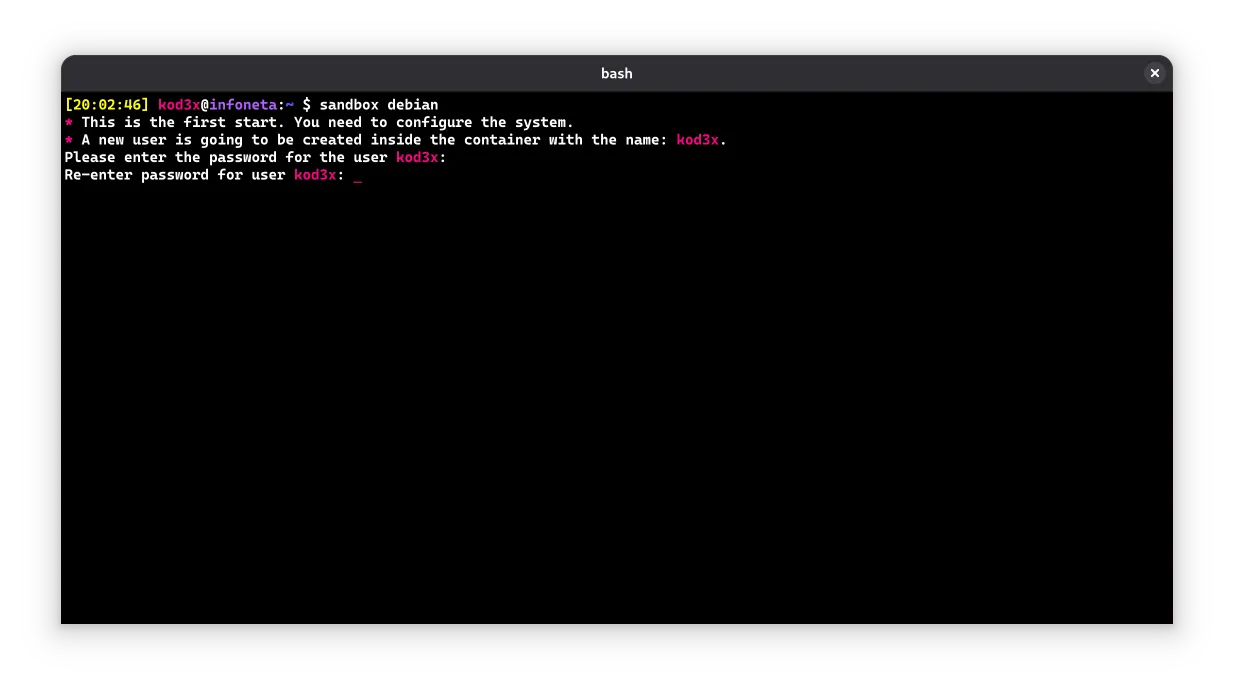
An interesting feature is that containers can even launch graphical applications. Here’s an example of spinning up a Debian container and installing Blender:
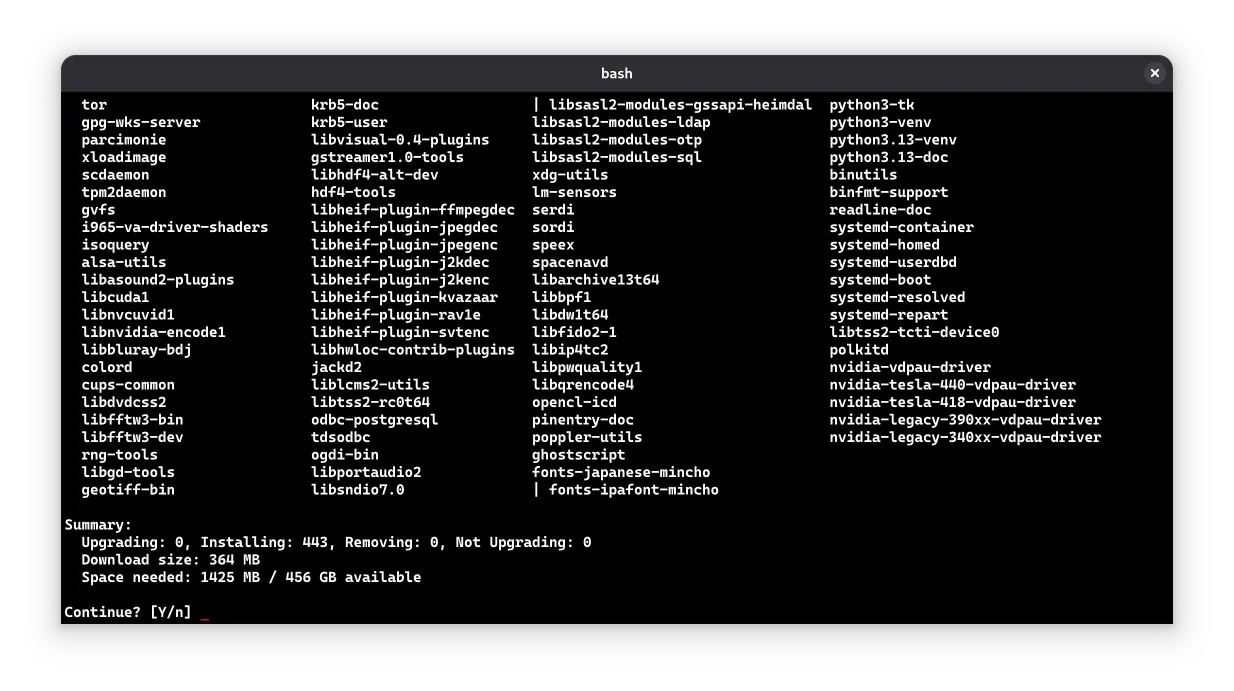
Installing Blender inside the container:
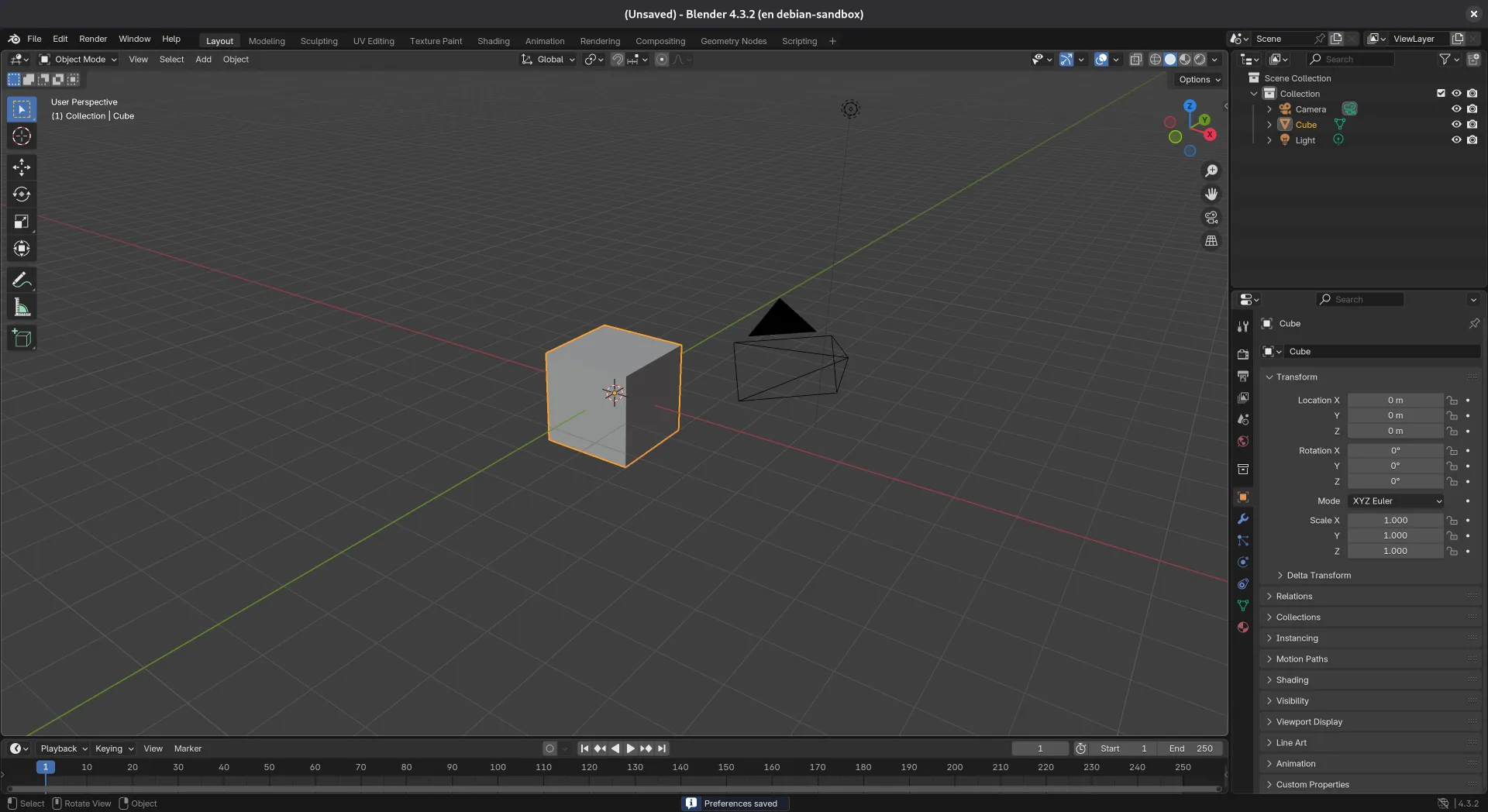
Blender running inside the container — in this case it runs on my laptop’s integrated GPU. If you use it on a machine with an NVIDIA GPU without the --nvidia flag, you’ll hear the fans spin up from running Blender on the CPU.