
Luciérnaga
Why does this project exist?
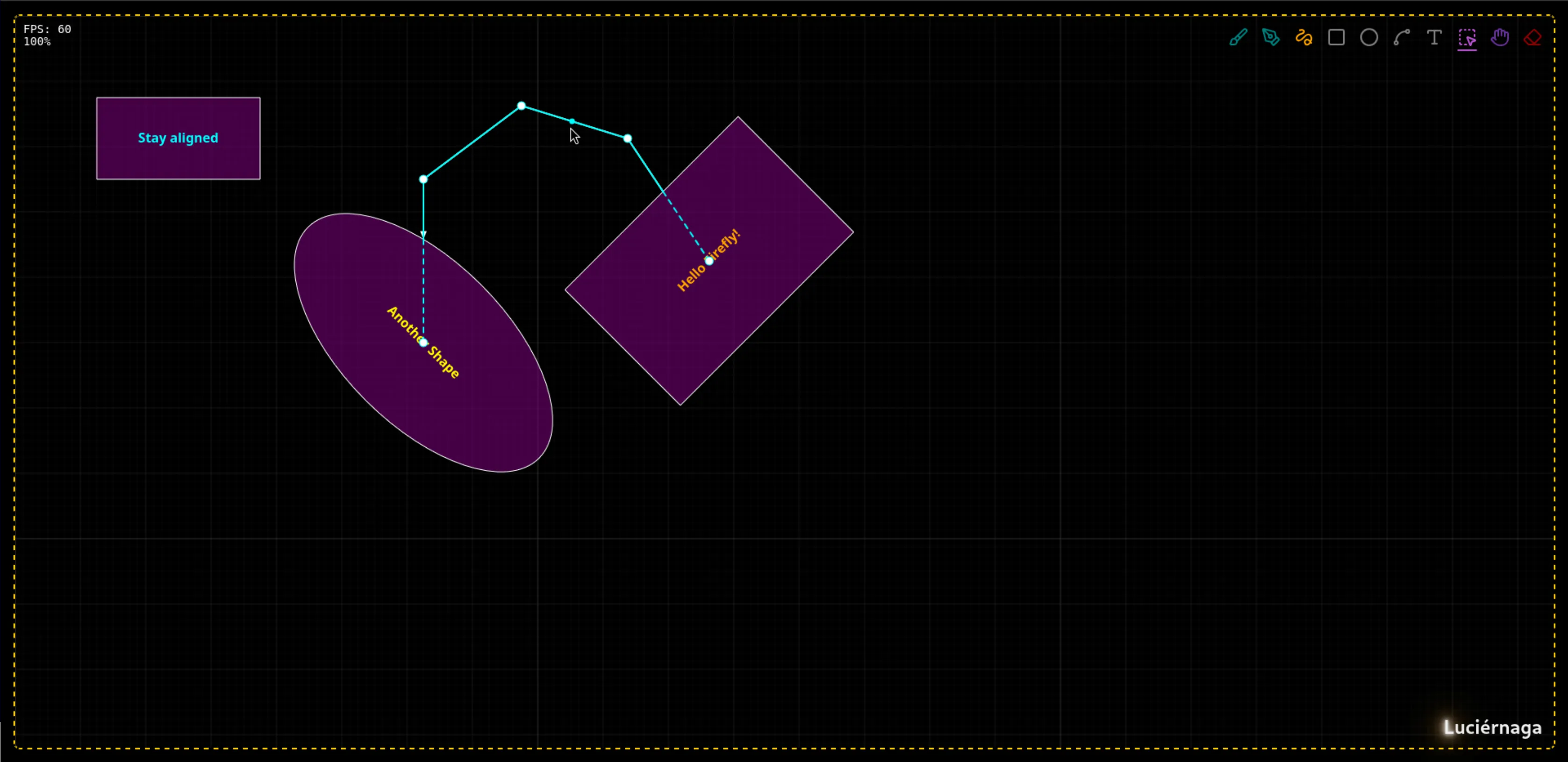
The original idea is to be able to create diagrams just by drawing.
Back when I was still a student, we used to share our screen to show a diagram in Paint to explain what we were trying to say. The diagrams always came out pretty rough — a symmetric rectangle was the goal, the ellipse was the reliable fallback. One day I got curious about how graphics work in the browser, and as I always do when learning something new, I set myself a project. Luciérnaga is the result of a mix of need and learning.
In the process, I had to study a lot about geometry and maths in general, but the best part was discovering that for complex programs like this, the biggest challenge you face is the language. Knowing the domain, the nomenclature, properly defining what a point is, what a vector is, what an angle is, creating the right objects to abstract all the logic and work with it… it’s a real challenge that I’m still improving to this day.
And if you’re wondering where the name comes from, it’s because this project tries to illuminate ideas (even if just a little). “Luciérnaga” means “firefly” in Spanish.
Performance
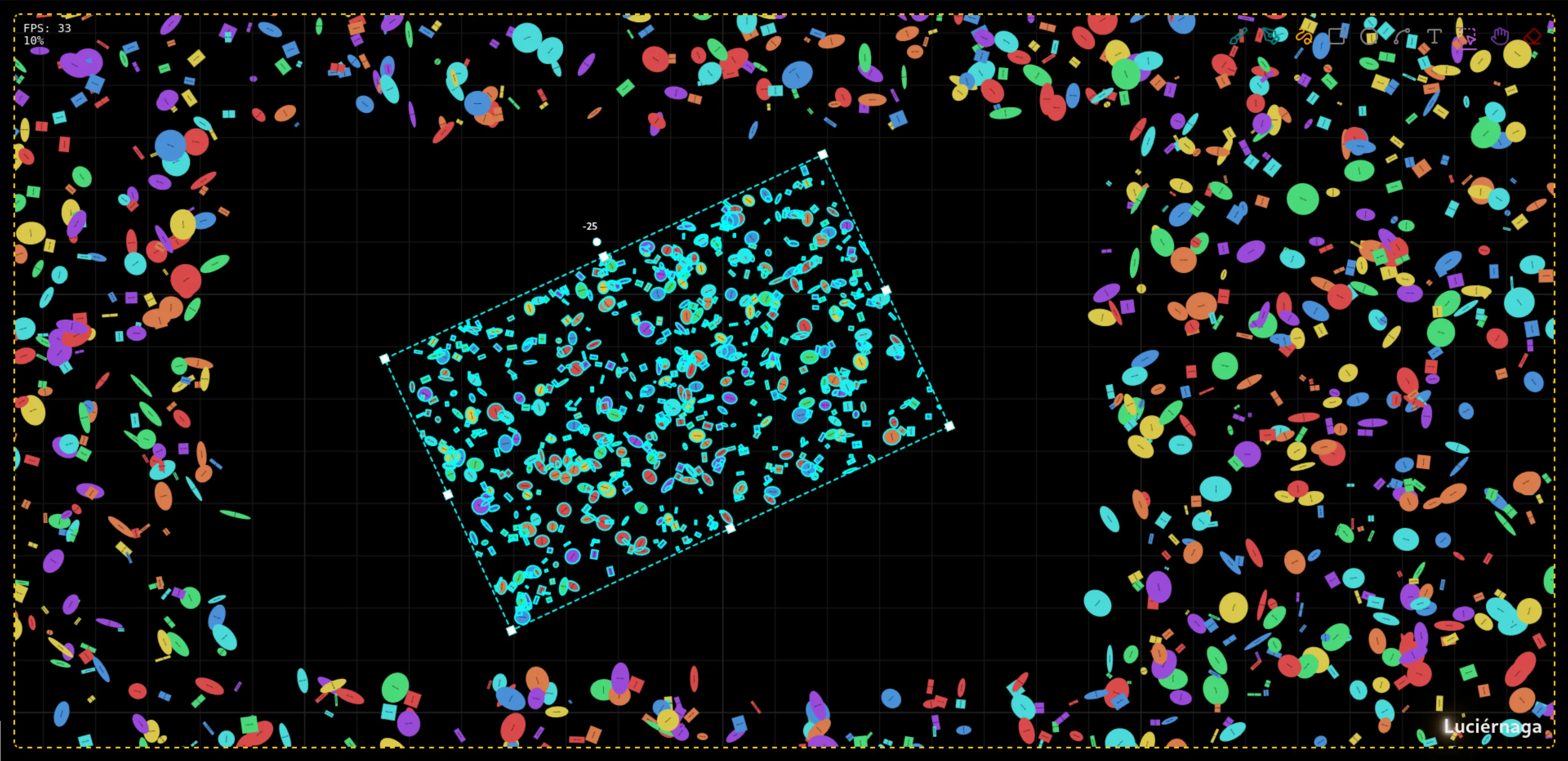
One thing I’m obsessed with is performance. It would have been much easier to settle for what I came to do — draw shapes by hand — but until I manage to have diagrams with more than 100,000 shapes at 60 FPS, I don’t think I’ll move on to the rest. After all, it’s still a hobby.
For now this is the result (~33 FPS), but there’s still a lot to optimize.
Features
- Create shapes: circles, rectangles and lines
- Select, move, resize and rotate shapes (single and multiple)
- Create, edit and delete relations between shapes with anchor points
- Edit relation geometry by moving their vectors
- Add text to shapes
- Keyboard shortcuts, undo/redo and zoom