Dev Tools
Why does this project exist?
Scripts and utilities you use daily to manage containers, install fonts or handle repetitive tasks pile up over time. Dev Tools was born to organize these tools. Instead of having loose scripts scattered around, I organized them into a repository with modular install and uninstall. Each tool installs separately and shares a common utility library (ulp-utils) that handles input validation, content display, dependency installation and PATH management.
Docker Tools
Three commands to inspect and clean your Docker environment from the terminal:
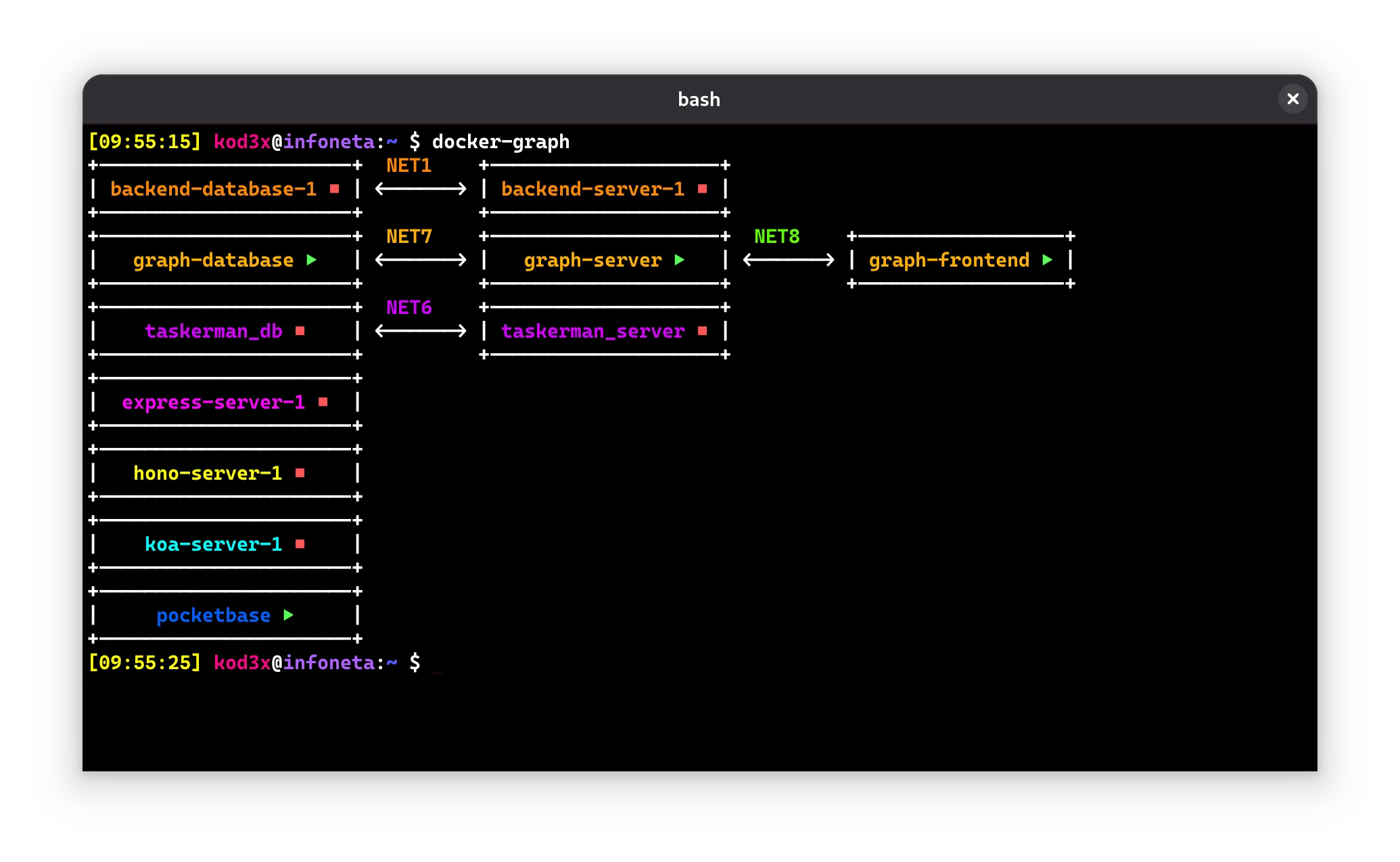
- docker-graph: visualizes the hierarchy of containers, networks and volumes as a graph. Detects clusters and assigns colors to differentiate networks
- docker-clean: cleans stopped containers, unused images and orphan volumes
- docker-ips: lists the IPs of all active containers
Font Manager
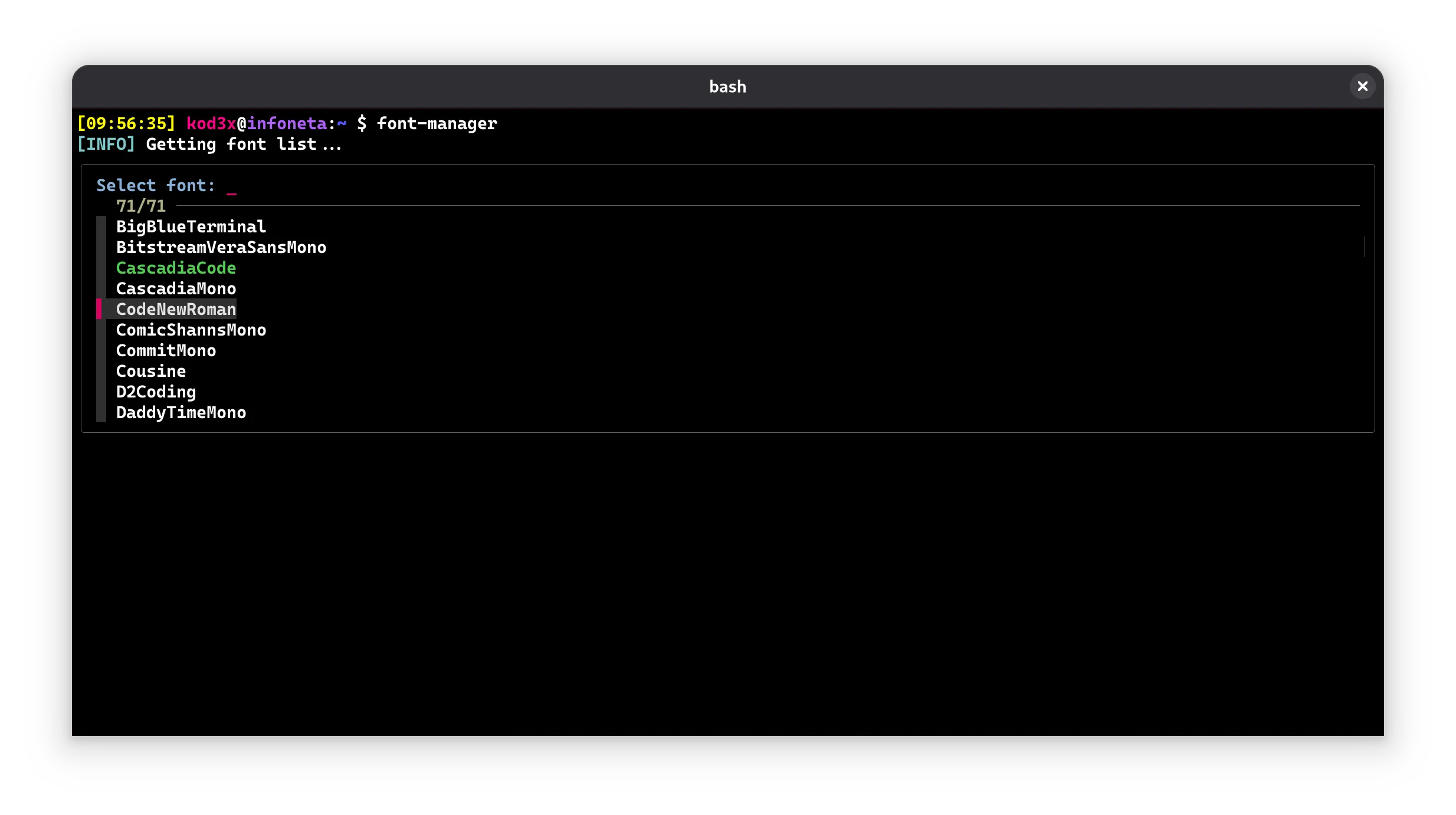
Interactive Nerd Fonts manager from the terminal. It queries GitHub releases, lets you choose the font you want and install it directly to ~/.local/share/fonts. You can also list installed fonts or remove them.
Change Branch
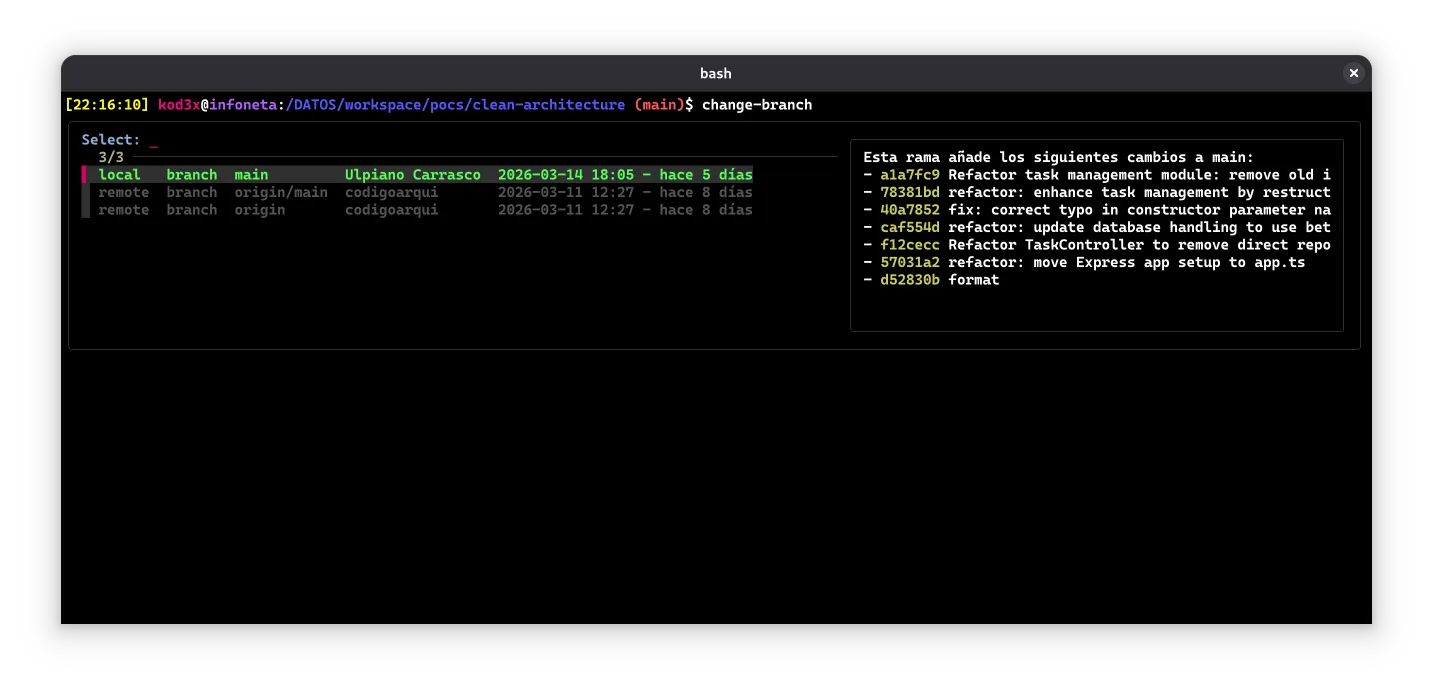
A script to switch branches in a Git project. It detects available branches, shows an interactive menu to choose which one to switch to, and then runs the corresponding git checkout command. It also shows the changes the selected branch adds over the repository’s main branch.